Skip to content

Features

Five offer types, four points of the sale

Each offer type targets a different moment in the customer's path and is configured separately. Start with one, measure it, then add the next.

Store-wide

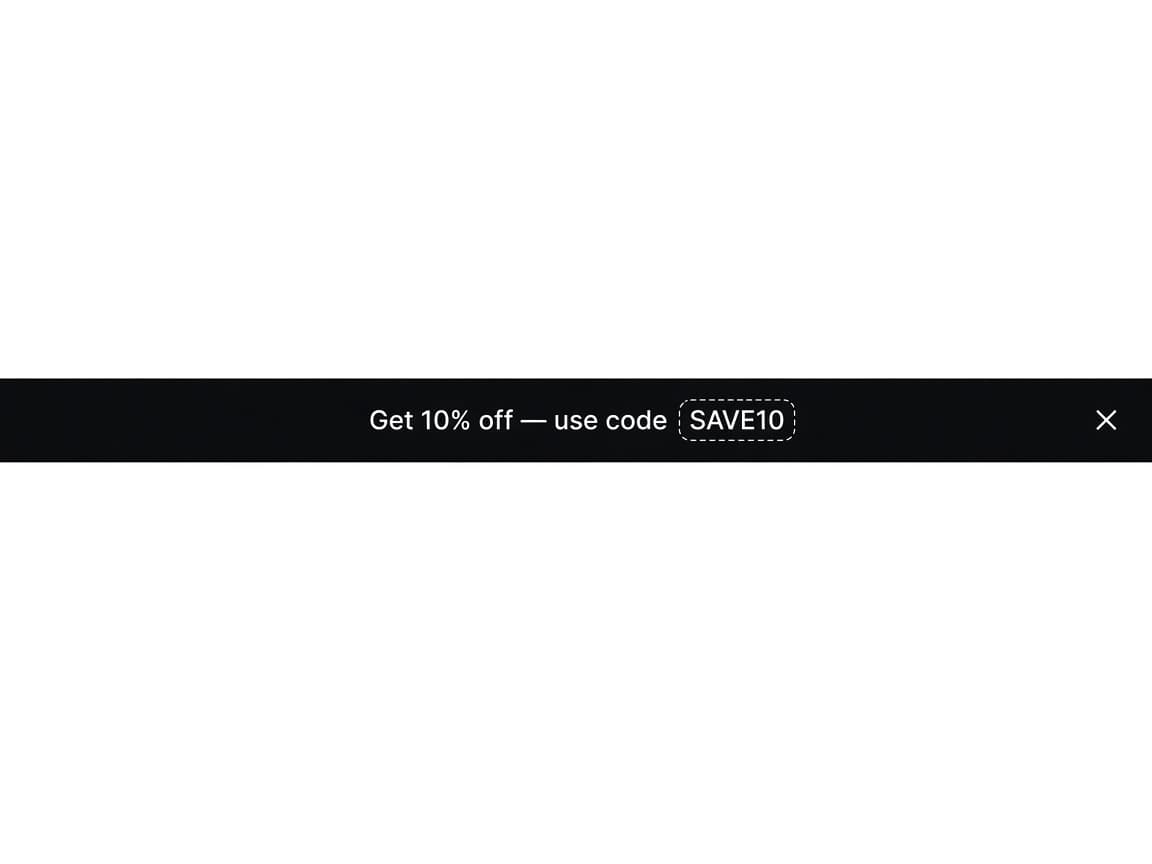
Simple black announcement bar with Get 10% off and the code SAVE10, plus a close control.

Announcement Bar

A bar at the top of your storefront for shipping thresholds, launches, and codes. Choose Simple, a running line, or rotating messages. Stick it while customers scroll.

Rendered by the RevenueLift theme app embed, so it appears on every page you target without editing your theme.

Announcement Bar settings and placement
Product page

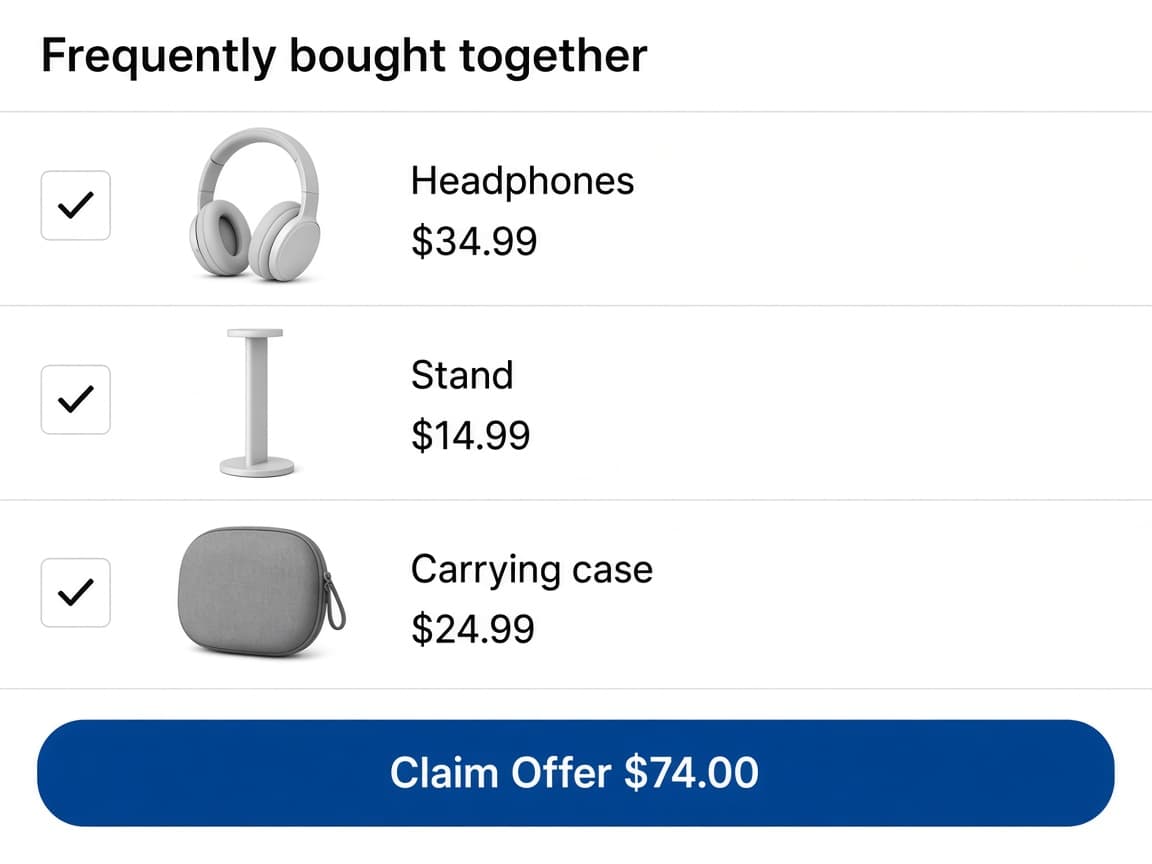
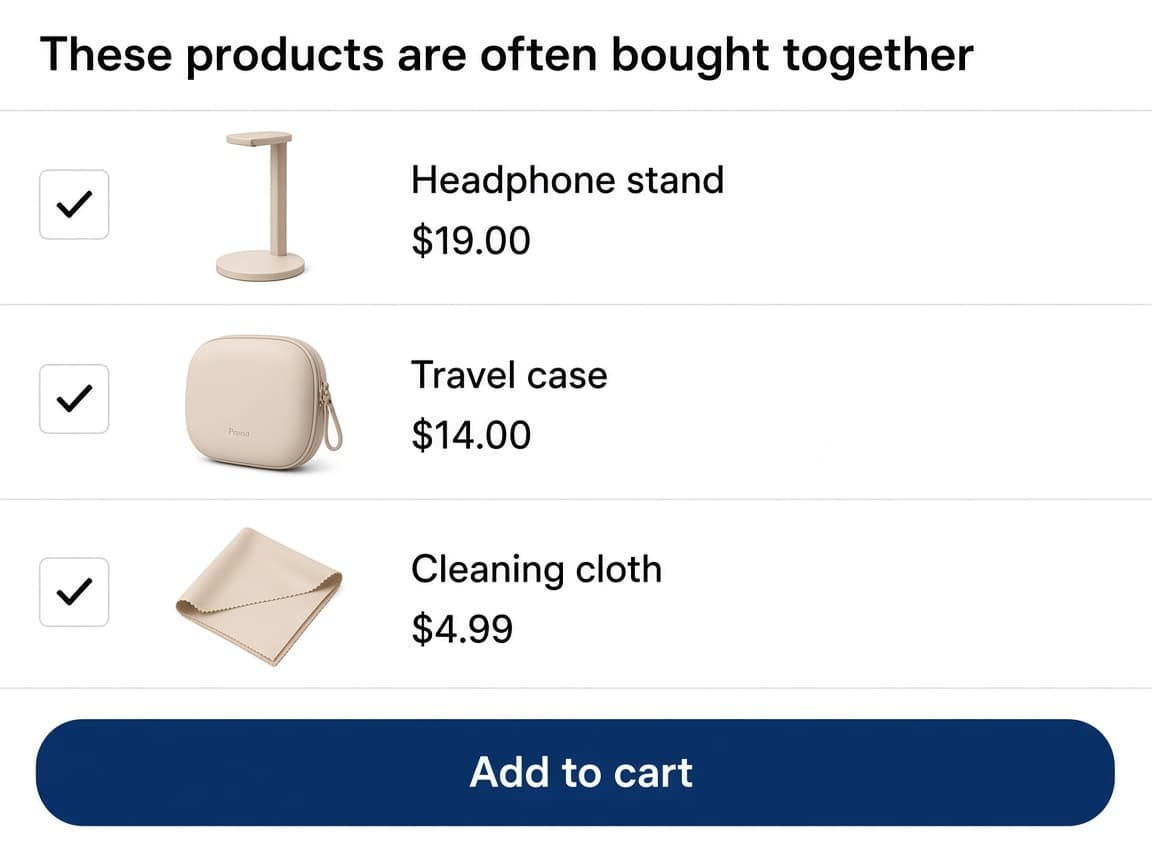
Frequently bought together widget with three checked products and a Claim Offer button.

Frequently Bought Together

Pair the product a customer is viewing with items that go with it. The bundle sits under add to cart, add-ons start checked, and one button adds the lot at the combined total.

Below add to cart on native Shopify themes, the Frequently Bought Together app block in the theme editor, or before or after an element by HTML id.

Frequently Bought Together settings and placement
Product Add-Ons list with three checked extras above a theme Add to cart button.

Product Add-Ons

Offer extras on the product page, above add to cart. Customers toggle what they want, then use your theme's Add to cart button. There is no separate claim button.

Placed automatically by the RevenueLift theme app embed, or positioned precisely with the Product Add-Ons theme app block.

Product Add-Ons settings and placement

Cart

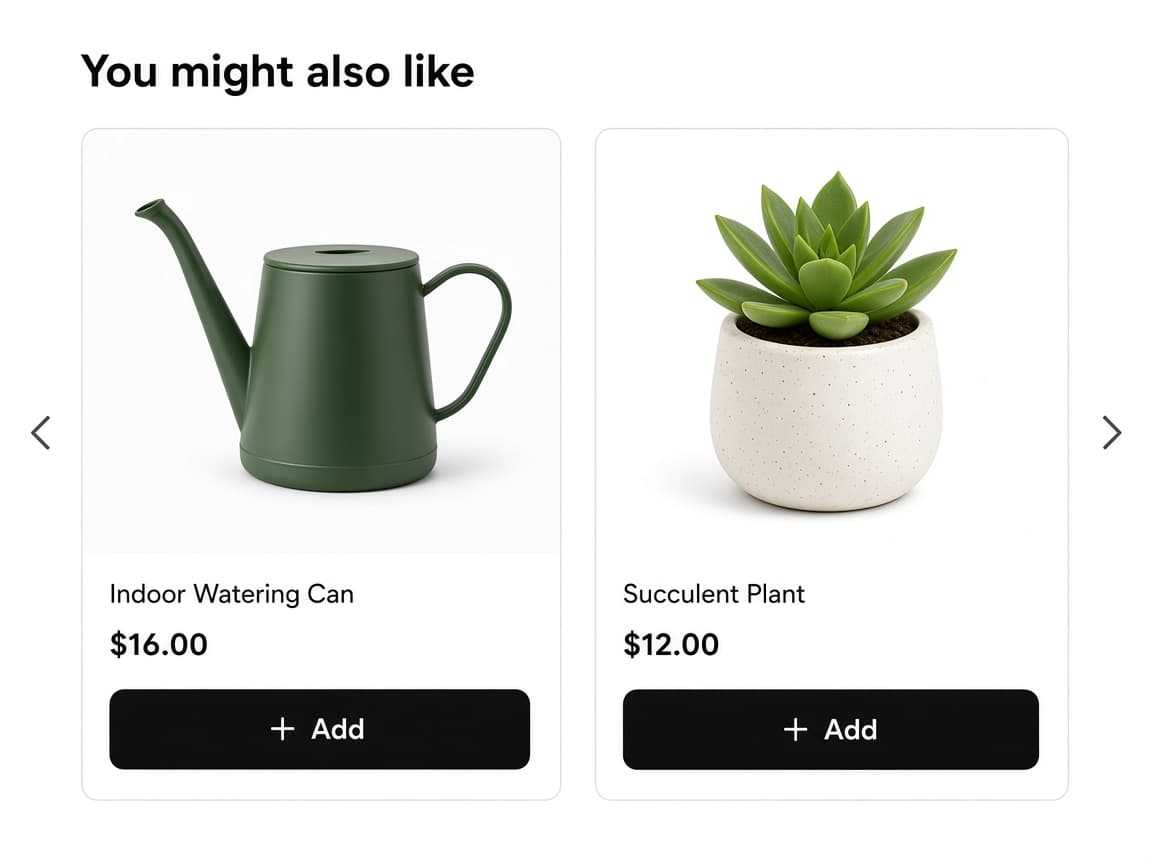
You might also like carousel on the cart page, with watering can and succulent cards and Add buttons.

Cart Page & Drawer Upsell

One offer for the cart page and the cart drawer. Customers add a recommendation without leaving the cart. Totals update in place.

Rendered by the RevenueLift theme app embed, which handles both the cart page and themes that use a cart drawer.

Cart Page & Drawer Upsell settings and placement

After checkout

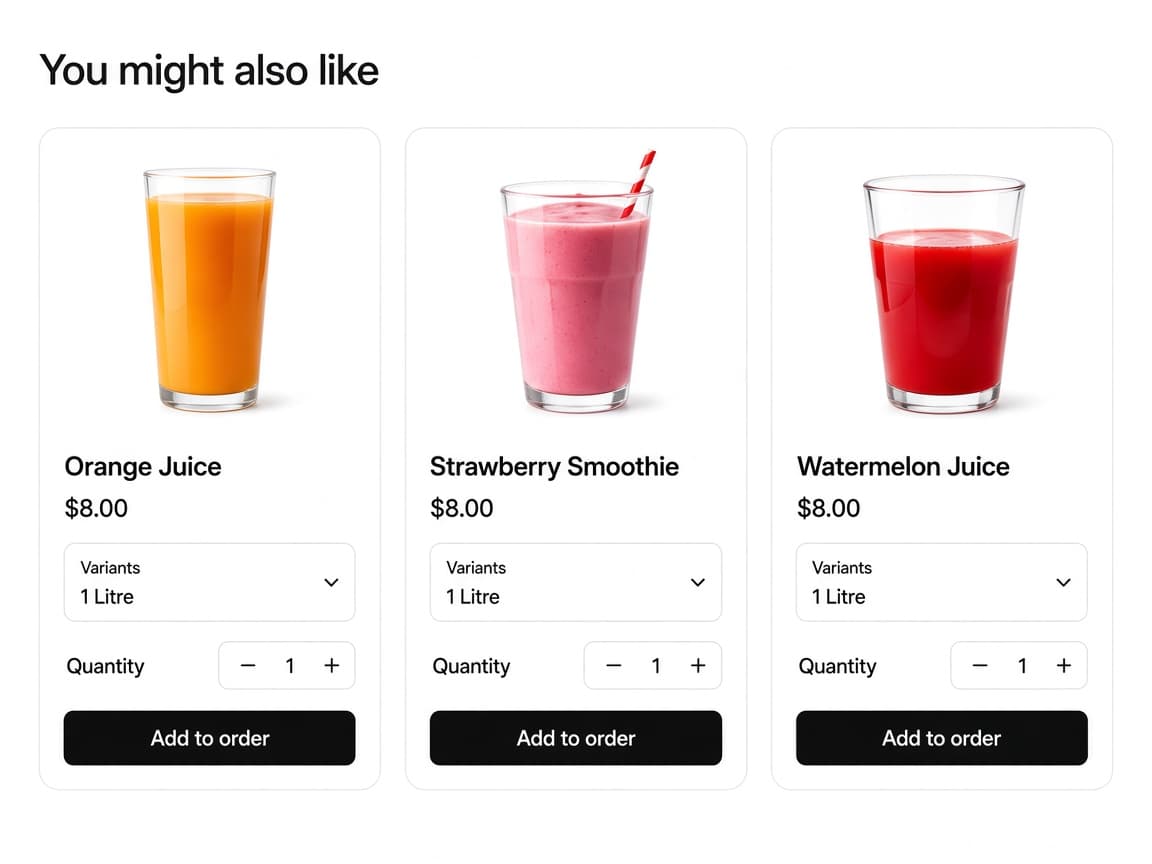
You might also like gallery with three juice products, variant pickers, quantity steppers, and Add to order buttons.

Thank You Page Recommendations

A product gallery after checkout. Customers add an item to the order they just placed, or start a new order. This is a checkout UI extension, not a theme embed.

A Shopify checkout UI extension that you add to the Thank you page in the checkout and accounts editor.

Thank You Page Recommendations settings and placement

At a glance

What each offer type supports

Discounts run through a Shopify Function at checkout. Selling-plan support depends on the surface — the thank you page extensions handle one-time purchases only.

Offer types compared by surface, discount support and selling-plan support
Offer typeSurfaceDiscountsSelling plansInternal code
Frequently Bought TogetherProduct pageSupportedSupportedFBT
Product Add-OnsProduct pageSupportedSupportedPAO
Cart Page & Drawer UpsellCart page and cart drawerSupportedSupportedCPR
Thank You Page RecommendationsThank you pageSupportedNot supportedTYPR
Announcement BarStore-wideSupportedNot supportedAB

Start with a single offer

Install RevenueLift from the Shopify App Store and set up your first offer in the admin. Every feature is included for 20 days.