
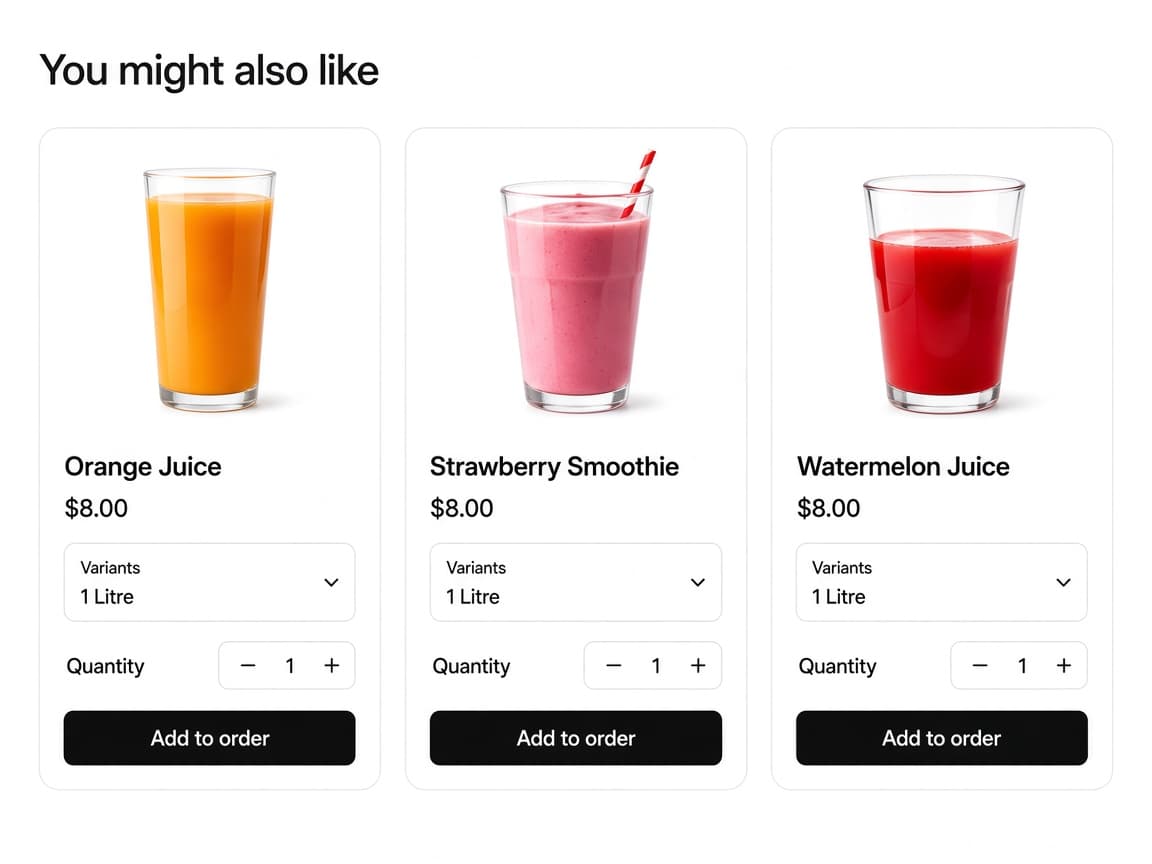
A gallery on the thank you page
After checkout the customer sees You might also like. Each card is a product, with a price and an Add to order button.
Thank you page
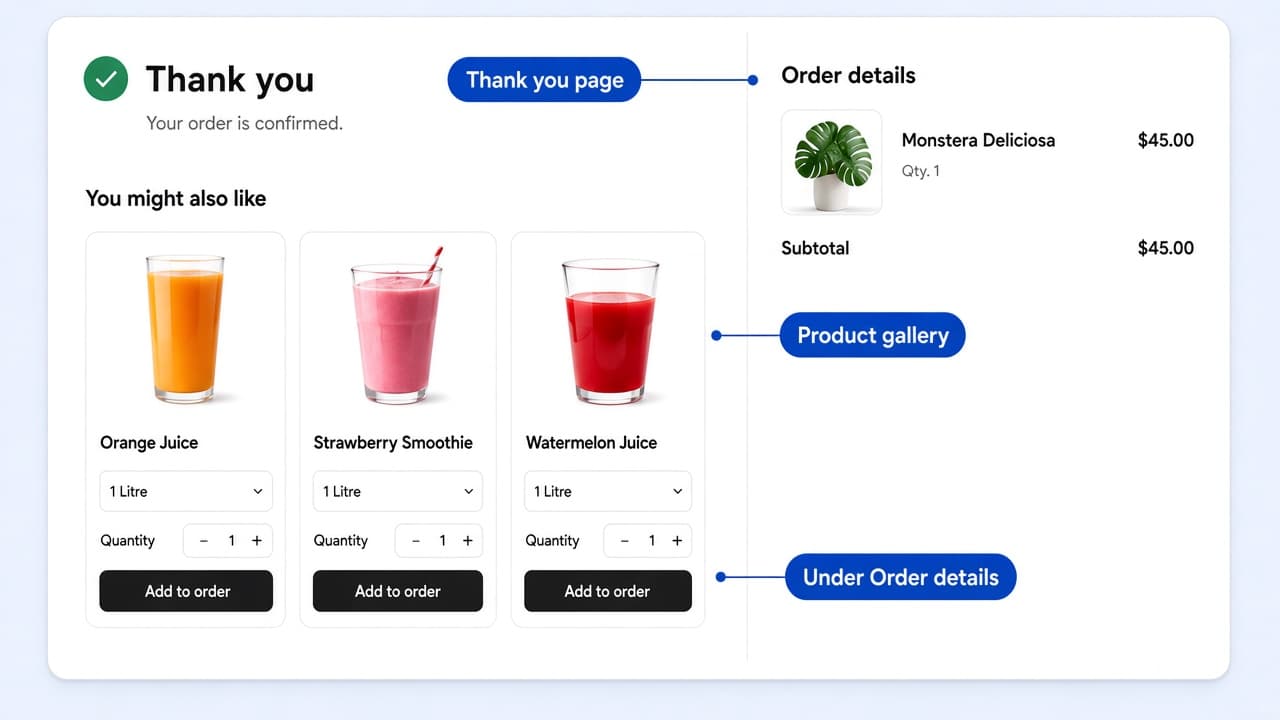
After checkout the customer sees You might also like. Each card is a product, with a price and an Add to order button.
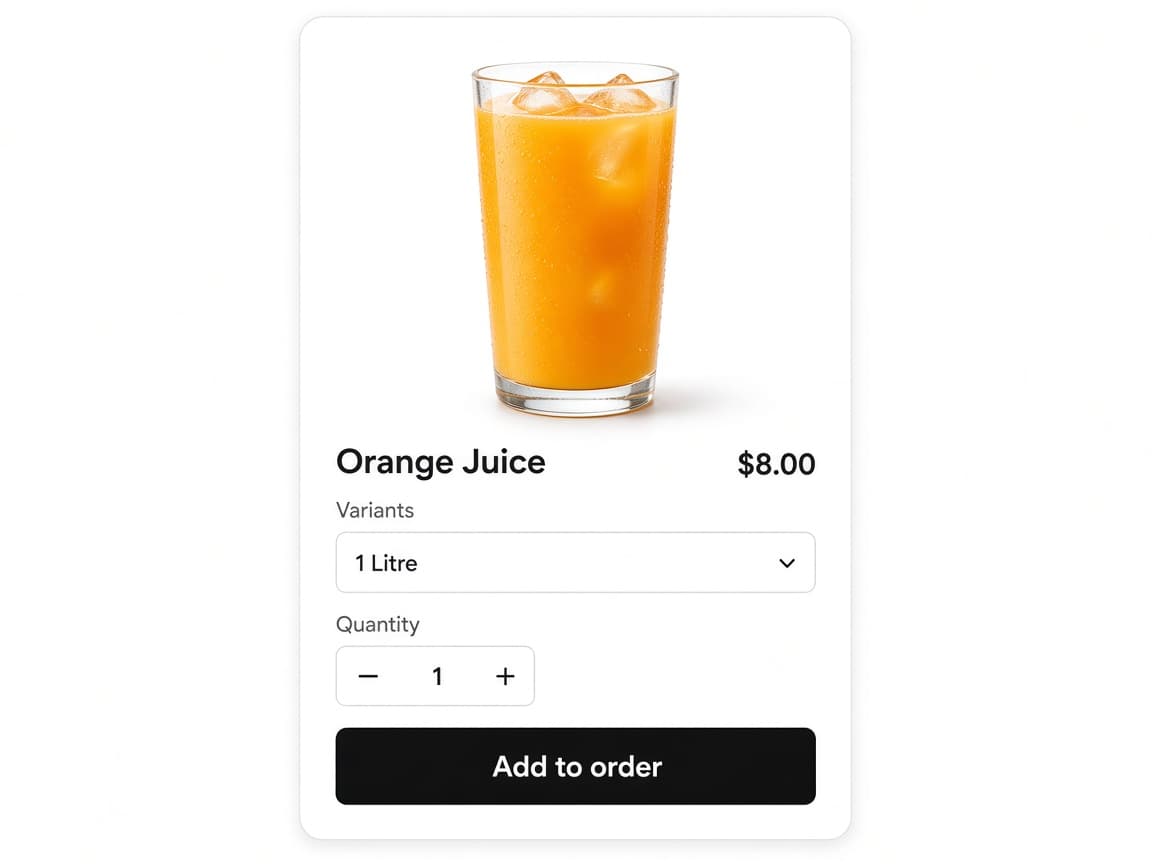
Display product variants and Display quantity selector are on by default. Labels are Variants and Quantity. Customers choose size and how many, then tap Add to order.
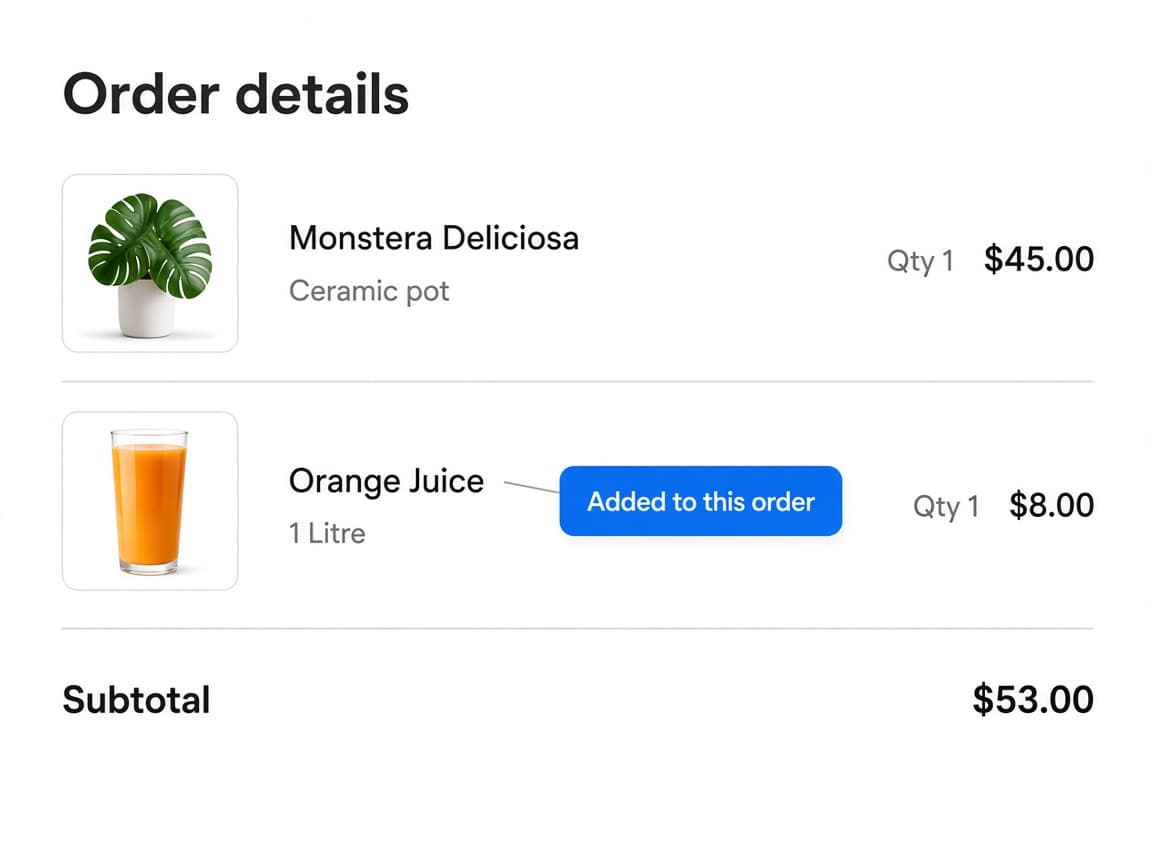
Order settings default to Add to existing order, so the item is held on that order. Create new order starts a separate purchase instead.
Four controls that place a product gallery after checkout, join the existing order, and hold the item if the purchase is not finished.
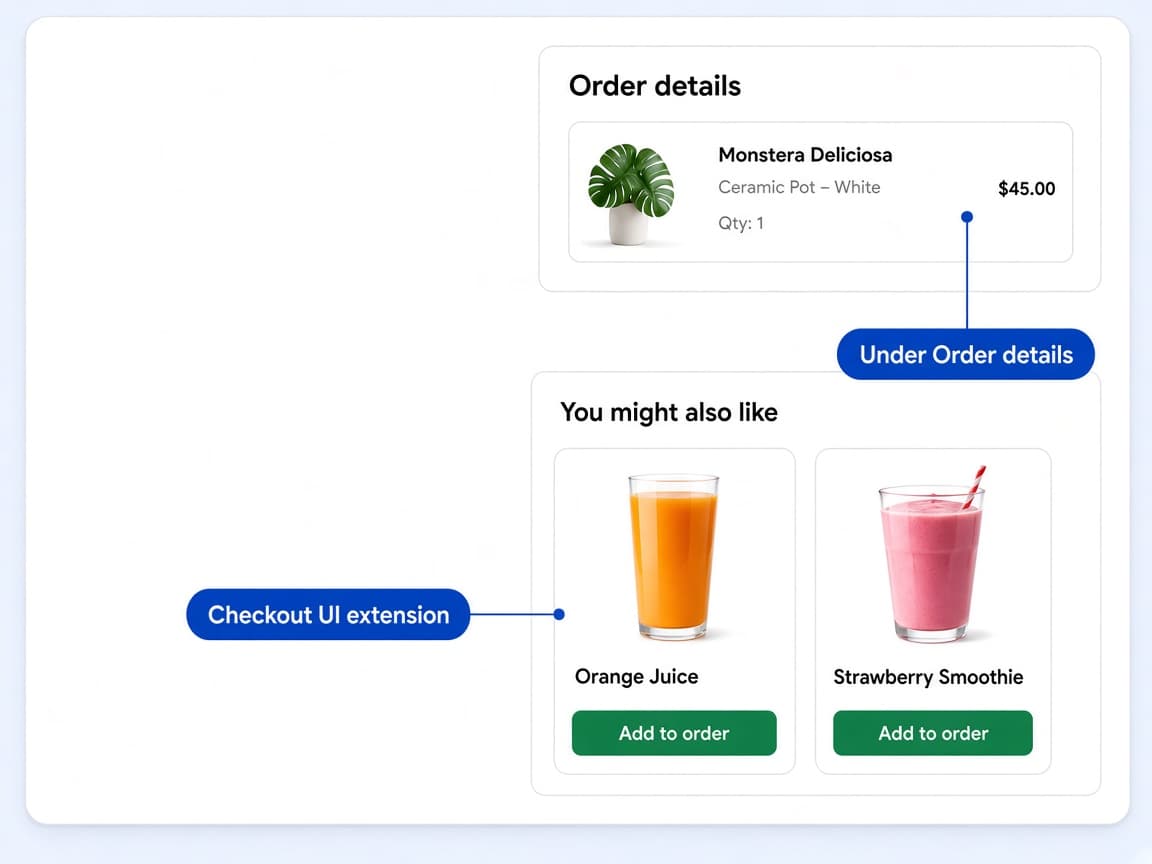
Thank You Page Recommendations is a Shopify checkout UI extension named Product Recommendations. You add the block on the Thank you page in the checkout and accounts editor, not in the theme editor. Merchants typically place it under Order details. The theme app embed is not required.
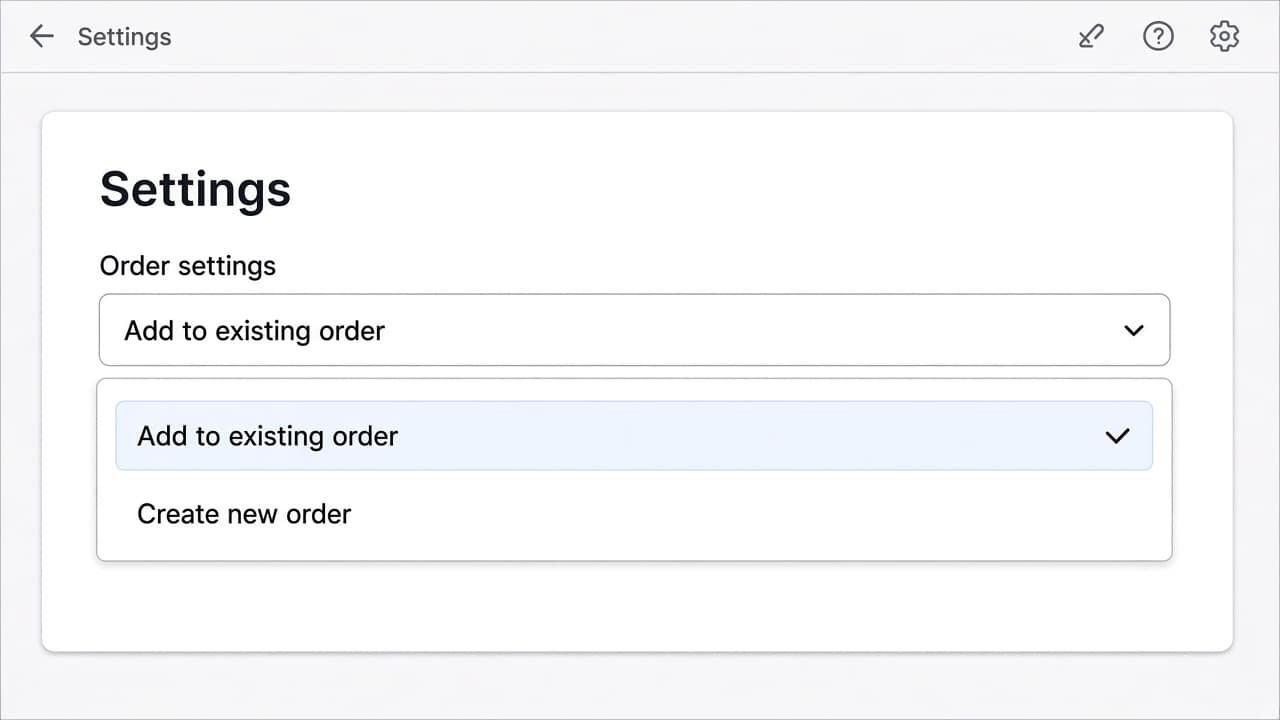
Order settings is Add to existing order or Create new order. Add to existing order is the default. The extra joins the order the customer just placed, so they do not start from an empty checkout.
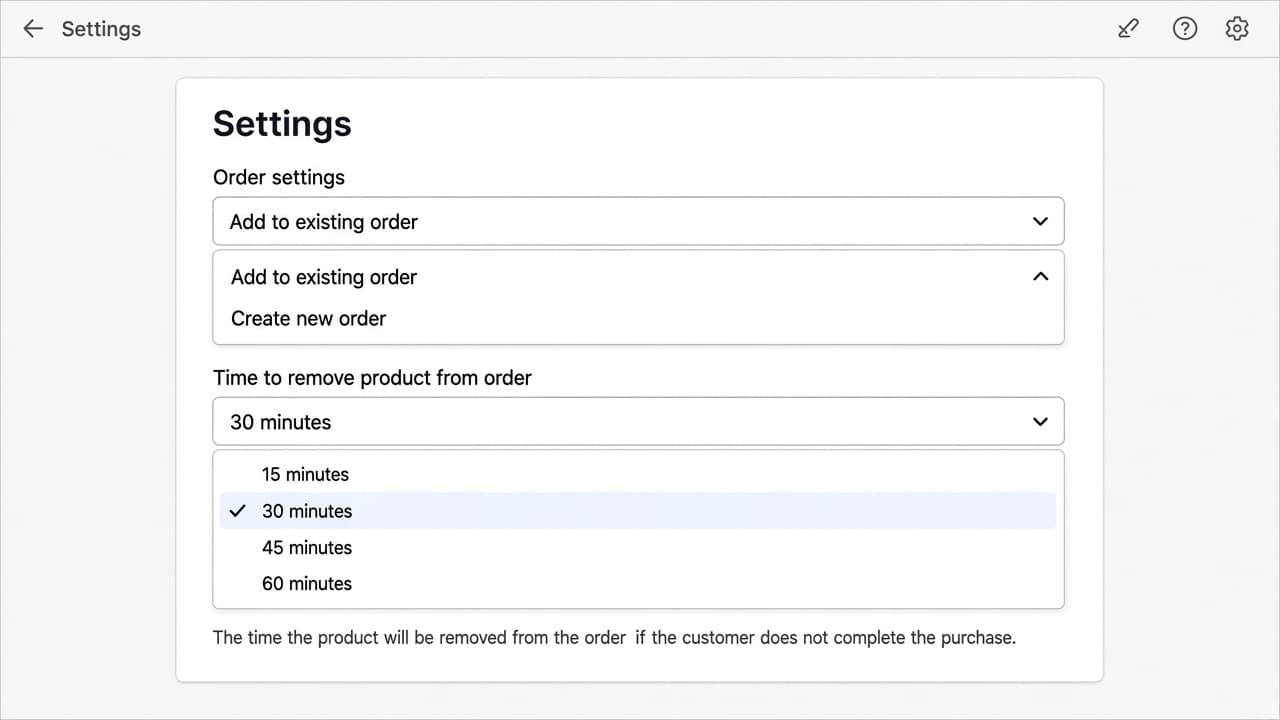
When Order settings is Add to existing order, Time to remove product from order is 15, 30, 45, or 60 minutes. If the customer does not complete the purchase in that window, the item is removed from the order. Default is 15 minutes. The hold is not shown when you create a new order.
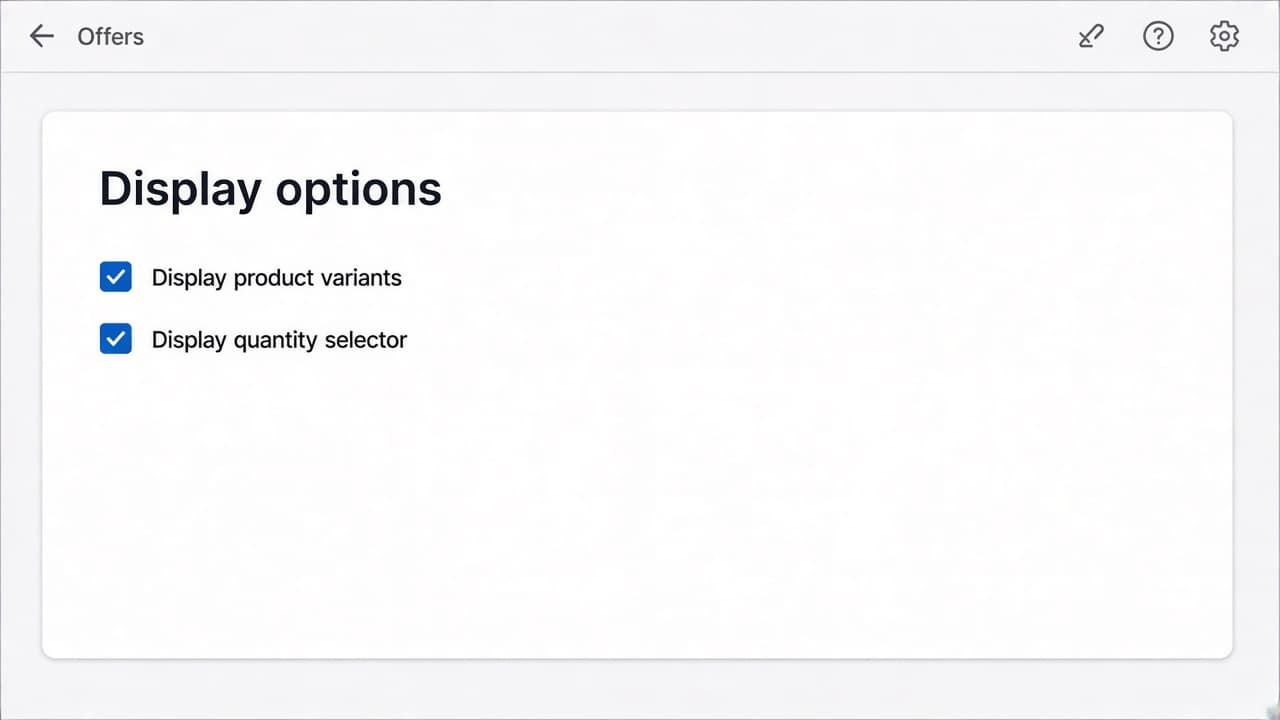
Display options are Display product variants and Display quantity selector, both on by default. Turn either off for a simpler card. Button Text defaults to Add to order. Buy button type is Primary or Secondary. Button colour is set in the Shopify checkout editor.
No. Thank you page offers are Shopify checkout UI extensions. You add the Product Recommendations block on the Thank you page in the checkout and accounts editor. The theme app embed is not required.
On the Thank you page, from Shopify's checkout editor. Merchants typically place it under Order details. Placement in the offer opens Customize thank you page.
Not when Order settings is Add to existing order. The item is held on the order the customer just placed. Create new order starts a separate purchase.
When adding to the existing order, Time to remove product from order is 15, 30, 45, or 60 minutes. If the purchase is not completed in that time, the item is removed from the order.
Yes. Display product variants and Display quantity selector are on by default. You can hide either control.
No. Thank you page offers support one-time purchases only. Selling plans are not available on this page.
Create the offer in RevenueLift, then add the Product Recommendations block on the Thank you page in the checkout editor.