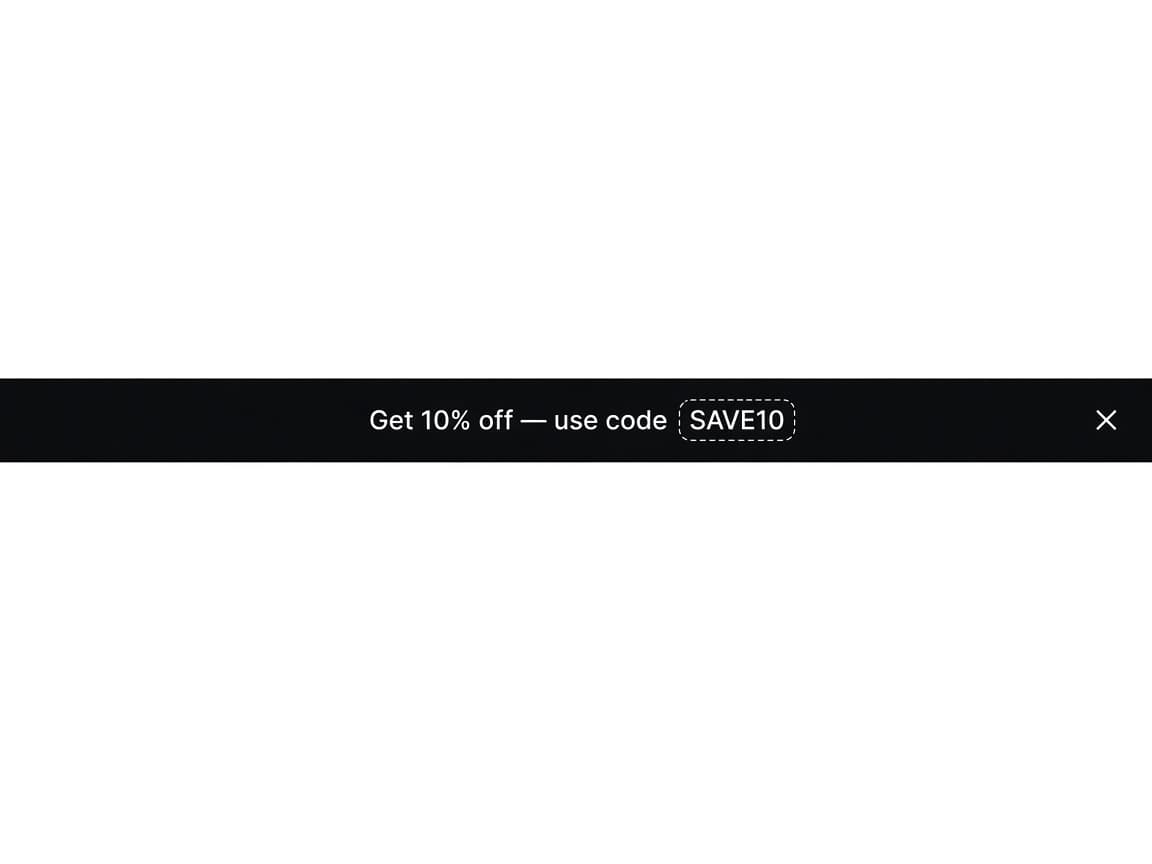
A Simple bar with an optional code
One message at the top of the page. On Simple you can attach an existing Shopify discount code and show it with {{code}} in the title.
Store-wide
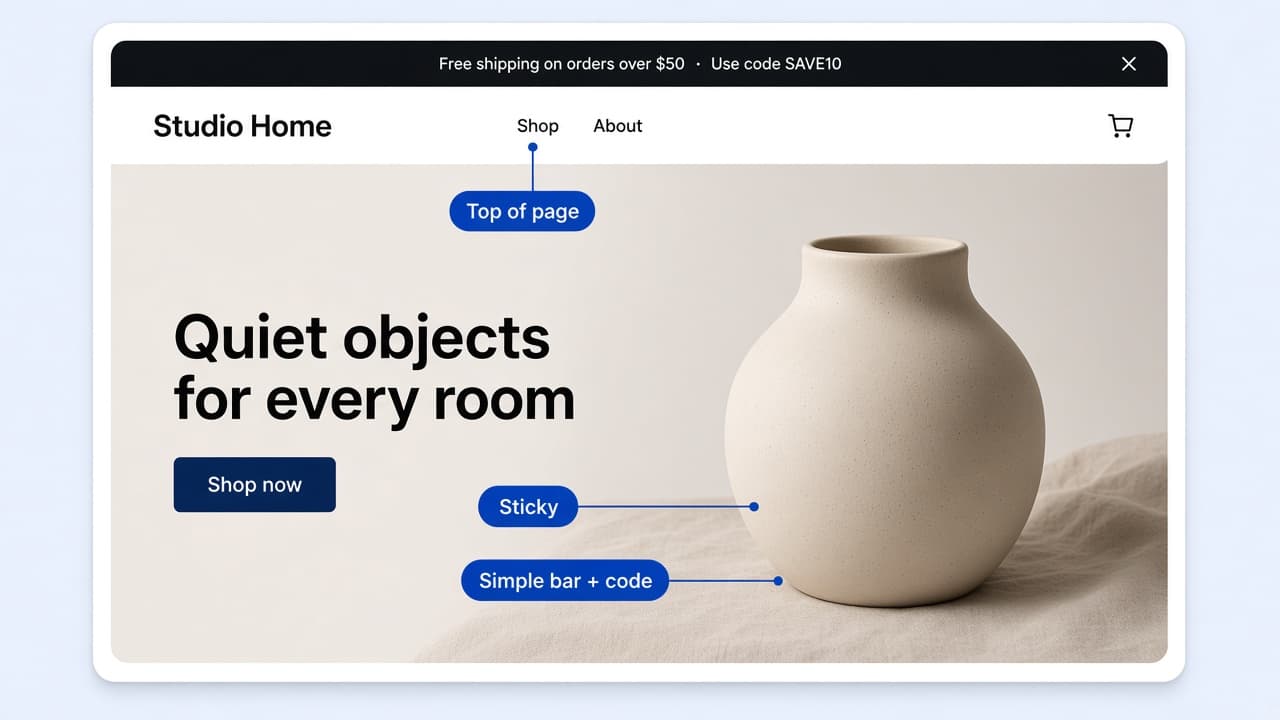
Simple with an optional code and button, a running line that scrolls, or several messages that rotate.
Flash sale ends tonight
Save on bestsellers while stock lasts
Free shipping on orders over $50
One message at the top of the page. On Simple you can attach an existing Shopify discount code and show it with {{code}} in the title.
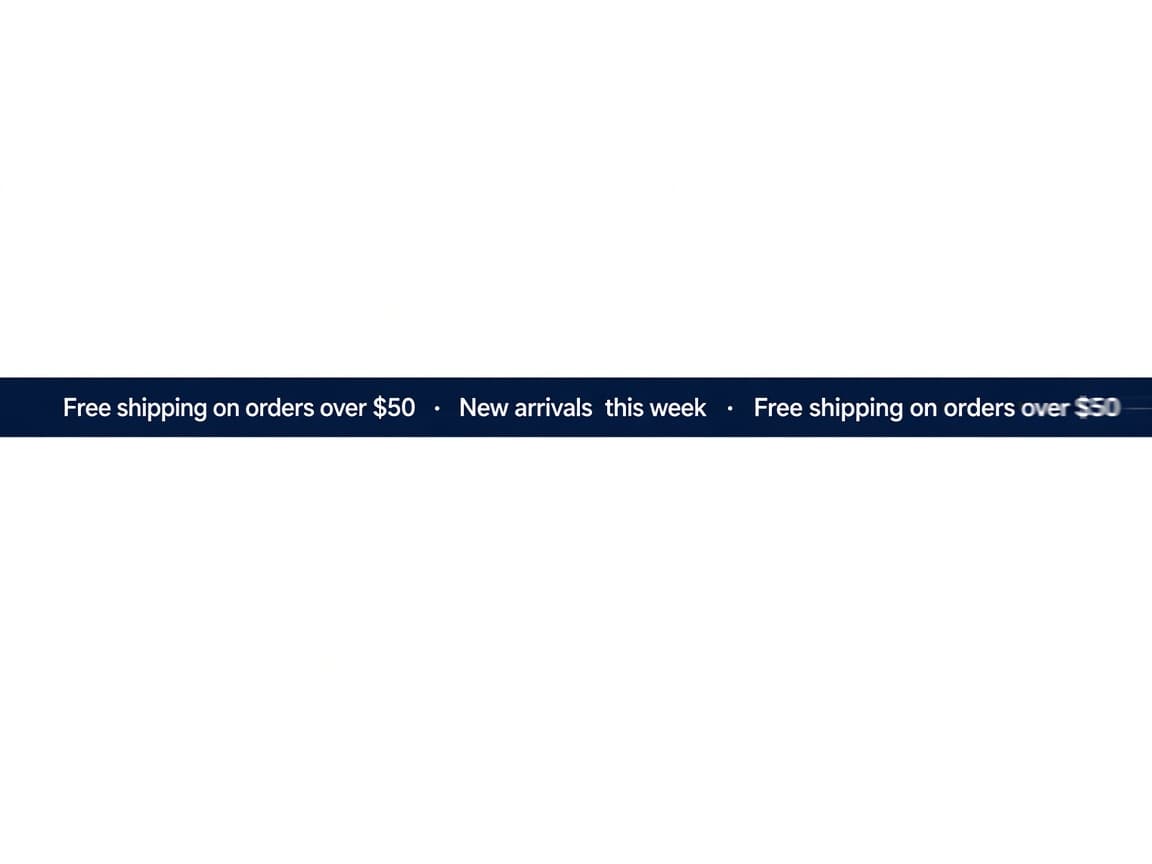
Running line scrolls one or more titles across the bar. Set scroll duration and the gap between repeats. Coupon codes are not available on this type.
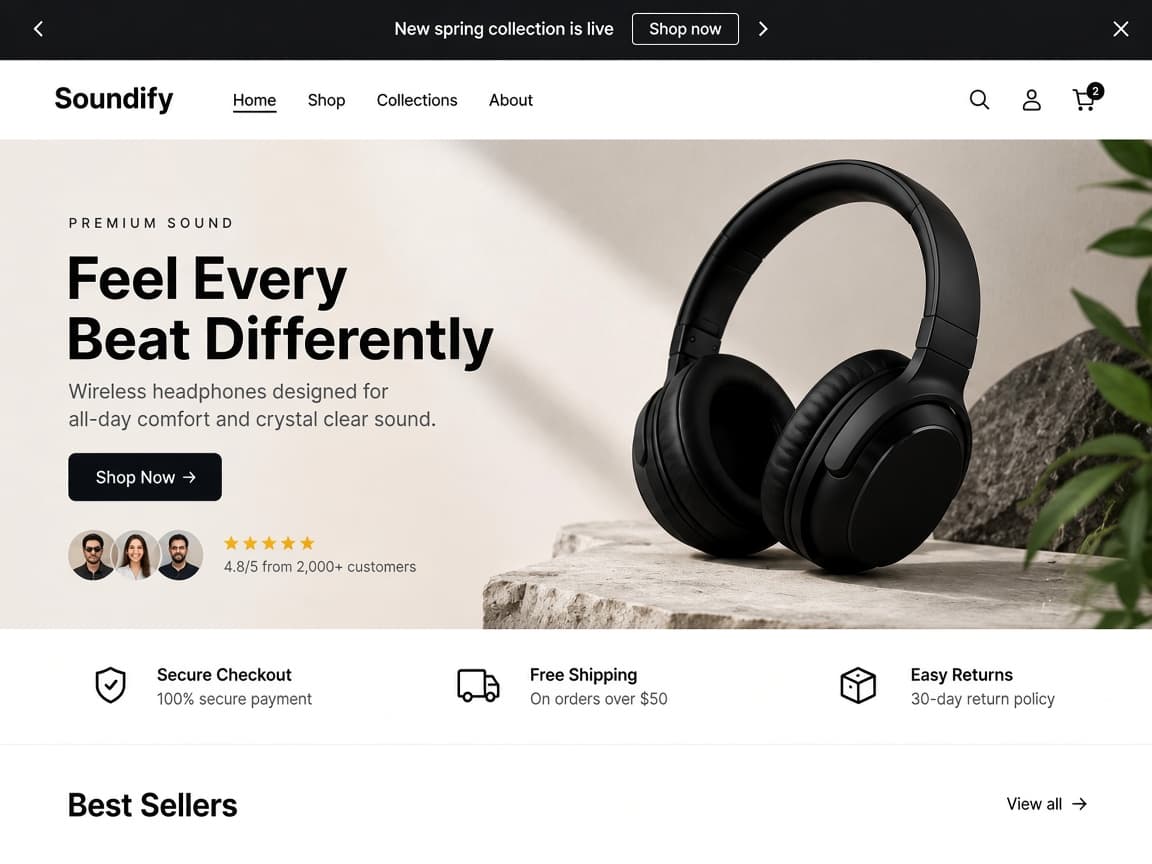
Multiple rotating announcements cycle through titles, subheadings, and buttons. Set display duration and turn Auto rotate on. Coupon codes are not available on this type.
Four controls that pick the bar type, attach a Simple-only code, keep it at the top, and choose which pages show it.
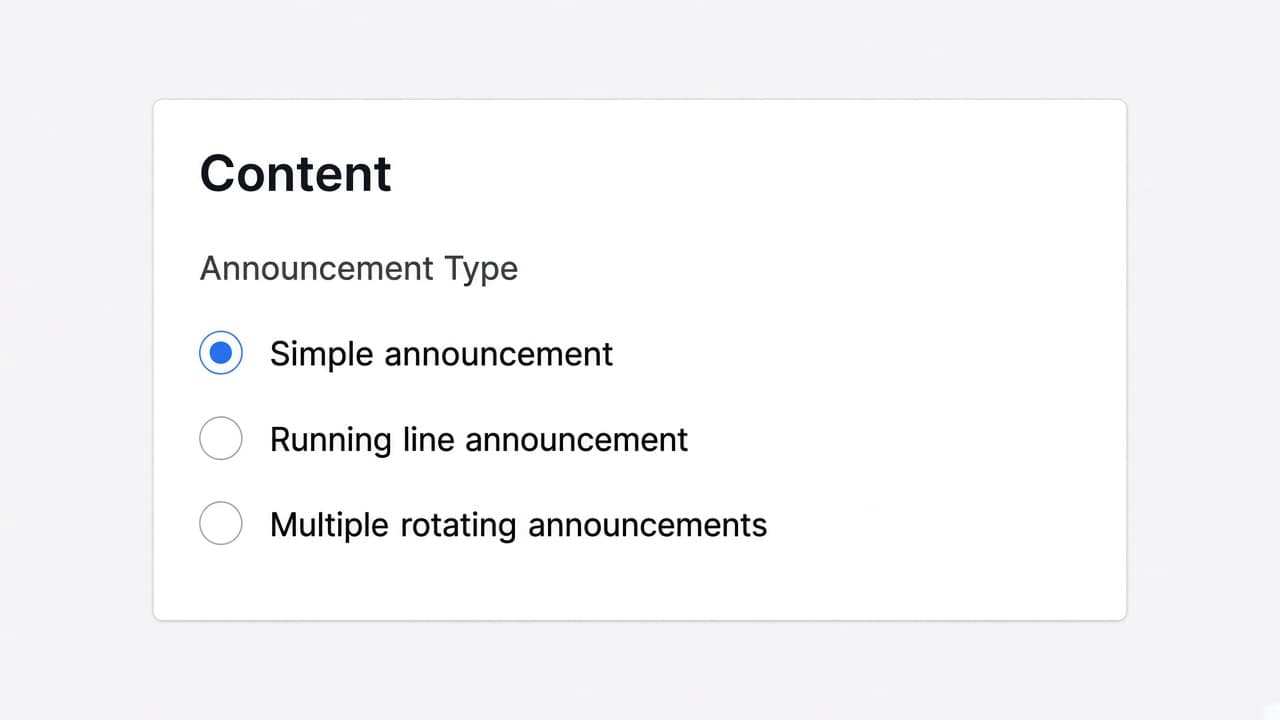
Announcement Type on the Content tab is Simple announcement, Running line announcement, or Multiple rotating announcements. Simple is one message. Running line is a continuous scroll. Rotating is several messages with optional auto-rotate.
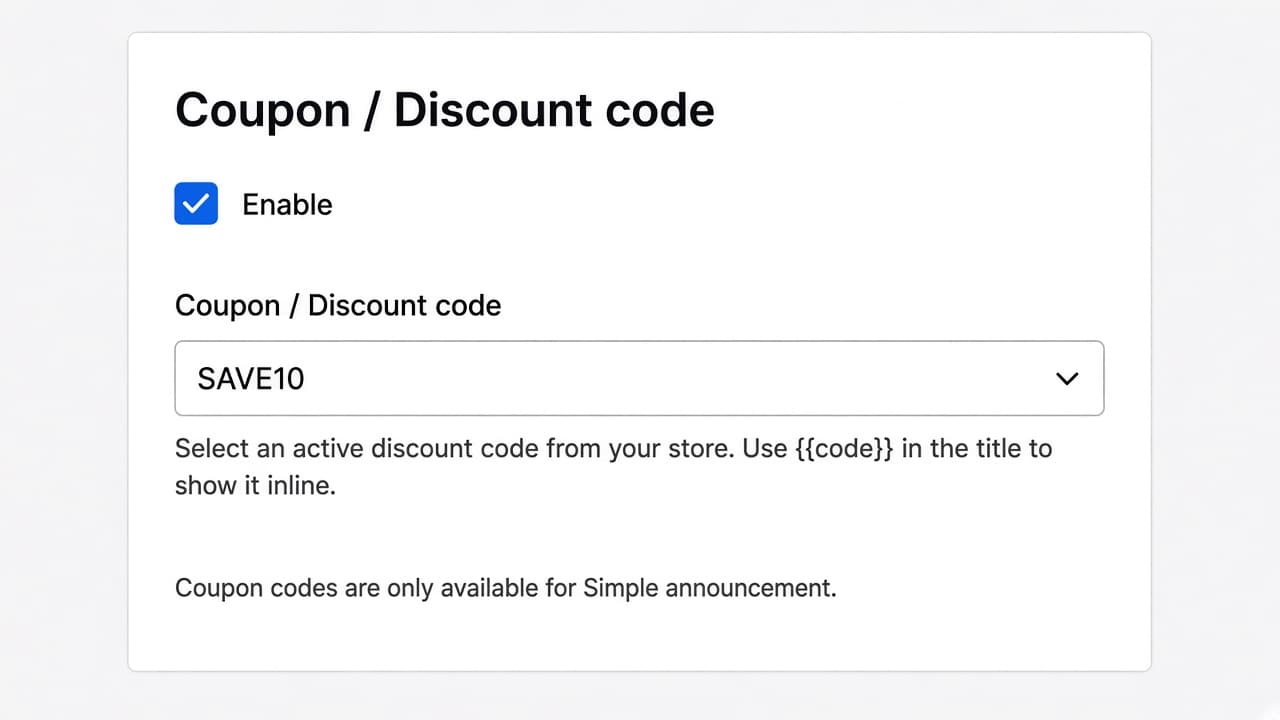
On the Discount tab, enable Coupon / Discount code and pick an active code from your store. Put {{code}} in the title to show it inline. The bar does not apply the discount itself. Customers copy the code. Coupon codes are only available for Simple announcement.
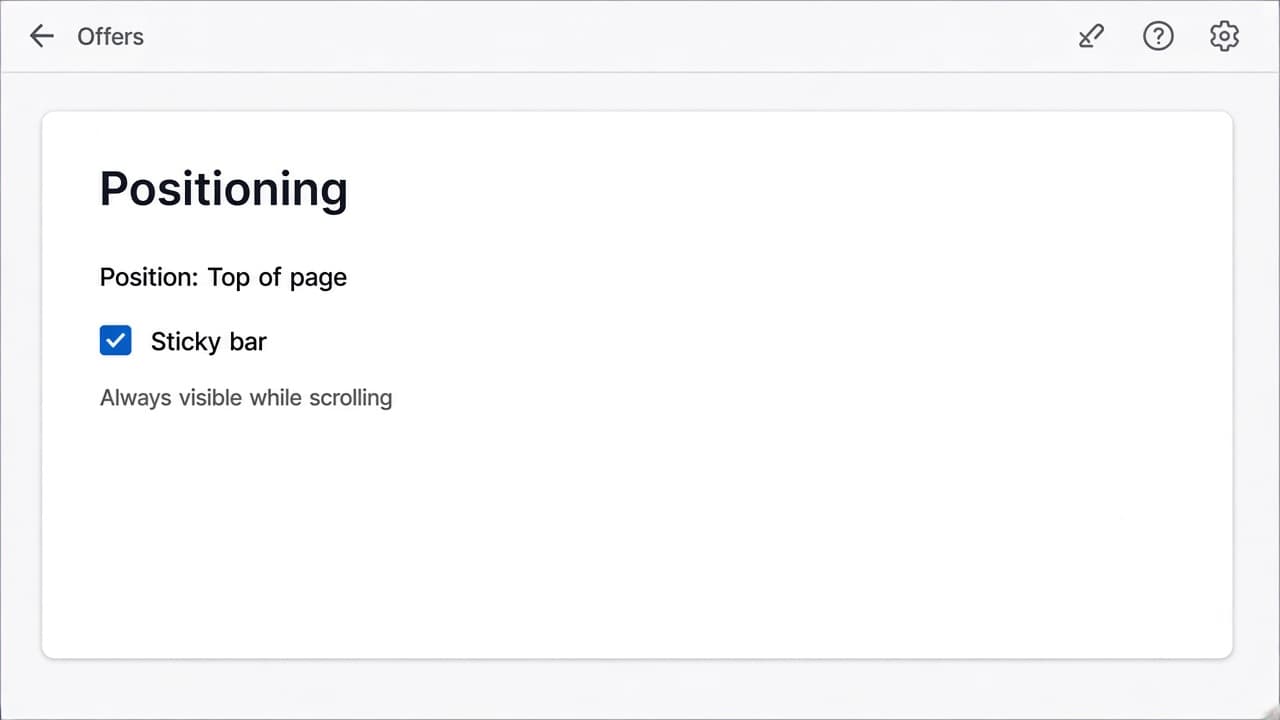
Positioning is Top of page. Turn on Sticky bar to keep it visible while scrolling. There is no bottom bar position.
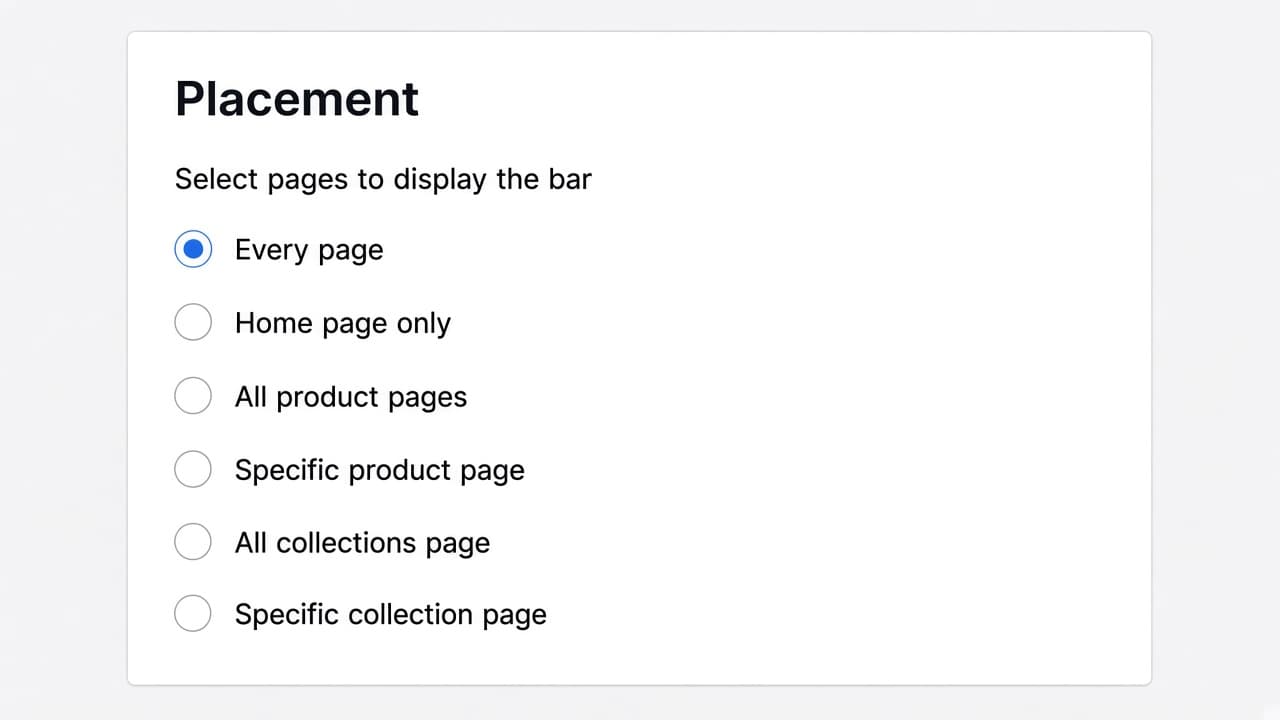
Placement is page targeting: Every page, Home page only, All product pages, Specific product page, All collections page, or Specific collection page. There is no device, location, or customer targeting on Announcement Bar.
No. Positioning is Top of page only. You can turn on Sticky bar so it stays visible while customers scroll.
No. Coupon codes are only available for Simple announcement. Switch the type to Simple on the Content tab, then enable the code on the Discount tab.
No. It shows an existing Shopify discount code for customers to copy. Create the code in Shopify first, then attach it. Put {{code}} in the title to show it inline.
No. Placement is page targeting only: every page, home, product pages, or collection pages.
Turn on the RevenueLift Upsells app embed in the theme editor. The announcement bar does not use a theme app block.
Yes. Scheduling on Content can start right now or on a specific date, and end never or on a specific date.
Simple is one message and can show a discount code. Running line scrolls titles continuously. Multiple rotating cycles through several announcements with optional auto-rotate.
Create the bar in RevenueLift, pick Simple, running line, or rotating, and turn on the theme app embed.